





● Please use the USB cable provided with our products. Please contact the retailer where you purchased the product.
Q&A
We have compiled a list of frequently asked questions.
Is it a malfunction?
Poor contact of USB cable.
I can’t charge the unit, turn on the light, and/or adjust the light intensity. What should I do?
● It is possible that the battery hasn’t been charged properly as a result of improper connections. Try reconnecting the charger stand, USB cable, and AC adapter.
● To ensure that the USB cable is connected to the AC adapter and charger stand securely, disconnect the USB cable from the adapter and stand and then reconnect it. Also make sure that the plug is correctly inserted in the main section of the AC adapter.
● The illustrations show parts that have been disconnected or otherwise separated because the cable was pulled accidentally or the charger stand was moved to a different location.
● If the charge status indicator does not light up even after reconnection, it is possible that the USB cable is damaged or the built-in battery has deteriorated. In this case, contact our support team.
● When charging via a PC or using an overloaded extension cord, it can take longer to reach full charge than the recharging time specified in the instruction manual. If the battery is not fully charged, the light may not turn on or it may not be possible to adjust the light intensity.
● If the operation indicator lamp on TURN or the charge status indicator on TURN+ lights up briefly and then goes out during charging, it means that the battery is fully charged. The same applies to the indicator lamp on Sage. Remove the main body from the charger stand or disconnect the cable and leave the light on for a short time to consume some battery power. Put the main body back on the charger stand or connect the cable again and check if the indicator lamp lights up.
● The dimming touch sensor on TURN, TURN+, Sage, hymn , and Bottled (released after February 2022) is disabled by default. Activate the sensor by pressing the ON/OFF dimmer button on the bottom of the main body.
The dimming touch sensor doesn’t work well . How can I solve this problem?
● When using the TURN or TURN+, place your finger on the dimming touch sensor so that your finger crosses gap that surrounds the touch sensor. When you are using the hymn or Bottled, press the touch sensor using the entire pad of your finger. Touching only the center of the button may result in unstable operation.
● Foreign objects (such as water droplets, animal hair, or powder from foundation) getting into the gap around the touch sensor can make it difficult to operate. Let moisture dry or wipe the gap around the touch sensor with a cotton swab or a dry cloth.
How can I properly attach the plug to the AC adapter’s main body ?
● While pushing the plug into the plug mount on the AC adapter’s main body, slide the plug towards the PUSH button until it clicks. The mounting direction of the plug can be changed by 90 degrees in 4 ways to suit the location of use.
● To detach the plug, while pushing the PUSH button, slide the plug away from the PUSH button and pull it out.
My USB cable appears to be damaged. Where can I get a new one?
For costomers request from Japan.
● You can purchase one on this site. Select to [Option] in [All Collection] in the menu above.
For customers request from overseas.
● Please ask the retailer. Select to [Retailer] in the menu above.
The glass shade is broken.
● Only glass shade parts are available for purchase. It is one of our after-sales service.
Ambientec expects the users to keep using our products for as long as possible.
Please contact the retailer where you purchased the product.
Malfunction caused by falling or dropping.
● Repair with a charge is available as an after-sales service.
Ambientec supplies various after-sales service with a charge because we expect the users to keep using our products for as long as possible.
Please contact the retailer where you purchased the product.
The dimming touch sensor suddenly stopped working . What should I do?
● First press the ON/OFF dimmer button on the bottom of the product’s main body and press the touch sensor again. You may have deactivated the touch sensor by keeping the button on the bottom of the main body depressed without noticing it.
The charge status indicator lights up only for a short time although the battery has been fully charged. Why does this happen?
● The charge status indicator automatically goes out when the battery is fully charged. If the unit is placed on the charger stand when the battery is fully charged, the charge status indicator lights up momentarily and then goes out once it detects that the battery is fully charged.
About the product
Lithium-ion battery life and how to replace it
● The lithium-ion battery is charged and discharged approximately 500 times, which means that the battery performance is reduced to approximately 50% of its initial capacity. This means that the lighting time will be reduced to about 50%. About 500 times of charging and discharging is counted as one time of using the battery until the charge level becomes 0 and then charging it until it reaches 100%.
● When storing the batteries, recharging and lighting the battery once a month will activate the battery and make it last longer.
● For battery replacement, please contact the retailer where you purchased the product.
Life span of LEDs and how to replace them
● LEDs do not suddenly shut off and stop working like incandescent lamps. The LED lifespan is defined as the degradation of brightness to appoximately 70% of the original brightness, which is usually around 40 000 hours.
● For LED replacement, please contact the retailer where you purchased the product.
How can i charge multiple at once?
● For TURN/TURN+/and Xtal, optional items are available as a "Multiple Charger Board" for business use in restaurants and hotels, which can charge multiple lamps at once. For details, please contact the retailer or us.
What are the wattage and illuminance (lux) of the unit ?
● Torr LOW:3lx, MID:230lx, HIGH:460lx
● TURN LOW:0.1W16lx, MID:0.5W140lx, HIGH:1.2W400lx, EX-HIGH:3.5W1200lx
● Sage LOW:0.1W20lx, MID:0.5W150lx, HIGH:0.9W400lx, EX-HIGH:1.8W1000lx
What is the degree of water resistance ?
●The main body is water resistant and offers protection against moisture and dust but cannot be used underwater (e.g., in a bathtub). The charger stand and AC adapter are not weatherproof.
● <Degree of resistance>
[Xtal / Bottled]
IPX6: Protected against powerful jets of water from any direction
[TURN / TURN+ / SAMBA-M / hymn / madco]
IP66: Protected against dust and jets of water from any direction
[Cachalot]
IP43: Protected against solid objects over 1.0 mm in diameter and against water spray up to 60 degrees from the vertical.
The lampshade is uneven and has bubbles . Is the unit defective?
● Please rest assured that we ship only those lampshades that fully satisfy our quality standards. Each shade is handmade by an artisan, so no one shade — whether it’s the one displayed at the storefront, the one you already have, or the one you have newly purchased — is like another. Depending on the unit, the following appearance features may be present. These features are within our quality standards and are a testament to handmade craftsmanship, reflecting each unit’s one-of-a-kind uniqueness.
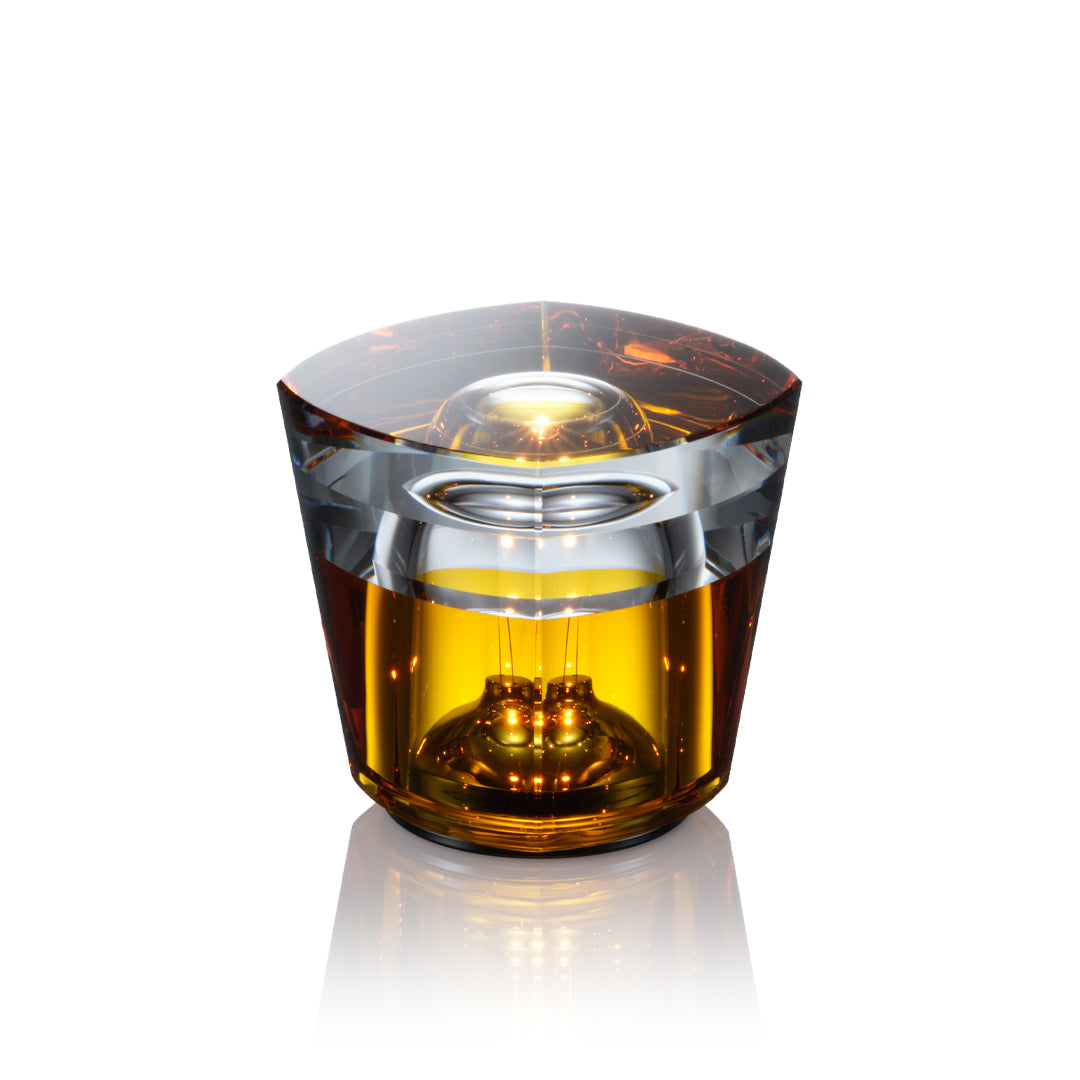
[Bottled] Bubbles, black spots, streaky lines, uneven surface, and white paint patterns (unevenness) inside the glass
[TURN+] Bubbles, line traces, and black spots on the bottom dome area inside the crystal glass shade
[hymn] Bubbles, black spots, line traces, and unevenness on the upper dome area
[Cachalot] Bubbles and line traces
Will the brass used in the unit deteriorate over time ?
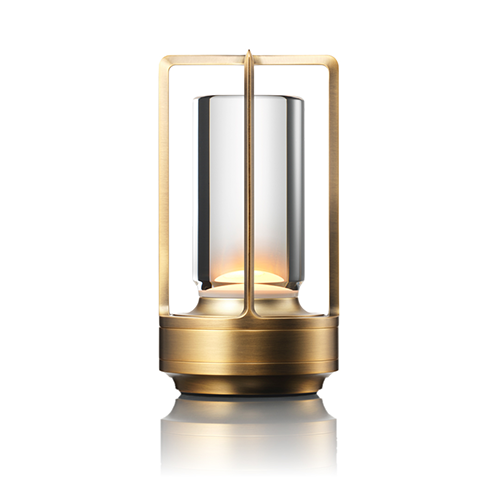
●The TURN Brass and TURN+ Brass are the only units in the TURN series that incorporate brass. The surface of this solid, carved brass is clear-coated. As long as this clear coating does not peel off, the brass will not tarnish noticeably. Follow the care and maintenance methods described in the instruction manual. Keep in mind that it is normal for brass to tarnish over time.
●If you have used an alcohol gel-type hand sanitizer as a measure against infectious diseases, allow your hands to dry thoroughly before handling the unit. Alcohol may cause the clear coating to crack or peel off, which can lead to more rapid deterioration of the brass.
Will the stainless steel used in the unit corrode over time (TURN Stainless Steel or TURN+ Stainless Steel)?
● To maintain the surface condition for a long time, we use high-grade stainless steel with low iron content, which is highly resistant to corrosion. If the stainless steel gets wet, there is a possibility that water stains may form if left as is. Please gently wipe off any moisture with a soft cloth.
There are some irregularities in the unit’s appearance (TURN, TURN+, and TURN CRAFT). Is the unit defective?
● No, it is not defective. The coating and processing applied to the unit may produce the following characteristics.
[TURN/TURN+ Brass] The brass is treated with a special coating, so there may be unevenness in the shade of the color and traces of machining.
[TURN/TURN+ Stainless Steel] Marks from the machining process may be visible since hard, difficult-to-process stainless steel is used.
[TURN/TURN+ Black] Due to the characteristics of the anodizing process and the material, areas exposed to lamp light may appear uneven or lighter in color, and there may be variations in the texture of the material.
[TURN CRAFT] As the color and texture change over time, various signs of aging unique to the material may be observed.
You can remove tarnishing and rust from any metal parts and restore the shine by using AMB-PC1 polishing agent (2,970 JPY), which is available at our online store. The glossy appearance of the handle and shade joint is due to light reflecting off the fine irregularities on the surface of the material. It is not a defect in the joint connection.
How can I adjust the handle angle (hymn)?
● The handle of the unit is slightly loose and may occasionally tilt a little with respect to the base. This is not a malfunction and can be corrected easily by hand.
You can continue to use the unit even if the handle is tilted. However, to maintain the unit’s aesthetics and to ensure that the pendulum lens flickers normally, we recommend that you straighten the angle of the handle before using the unit.
How can I actually take a look at an Ambientec product before purchasing it?
● Please make a reservation at the Ambientec Gallery. You can purchase displayed products there with a credit card when you visit.
Business hours: 11:00 to 19:00 (last entry at 18:00)
Closed: Sunday and Monday
▪ Reservations can only be made through the website below.
Ambienetc GALLERY – Ambientec
● To find your nearest Ambientec authorized dealer, click on [Retailer] in the menu above. We do not keep track of the inventory status at our dealers. For inquiries about stock, displayed products, etc., please contact the dealer directly.
Can I modify my old Xtal to the new updated specifications (released on April 28, 2023)?
● No, you cannot modify the specifications of your old Xtal. The new Xtal’s specifications released on April 28, 2023 are incorporated in the main body. So you have to buy a new one if you want to have those specifications.
● For details on major changes in the specifications, please visit the website below.
[Announcement of Specification Renewal for the Xtal Sereis] – Ambientec
How do I maintain the TURN CRAFT Nero / Cotto?
● Caring for the leather grip
Initially, the leather grip does not require any maintenance. The leather is vegetable-tanned and contains plenty of oil. The longer it is used, the glossier the surface will become and the more changes will appear over time. While you use the unit, keep an eye out for moisture, conspicuous scratches, and extreme dryness. When you use the dedicated polishing agent (see below), please be careful not to get the agent on the leather.
● Caring for the metal parts
To avoid rust and tarnishing of the brass section of the TURN CRAFT Brass/Cotto, it is important not to get the unit wet. If any moisture gets on it, wipe it off immediately with a soft, dry, lint-free cloth.
Specifically designed for the TURN CRAFT units, the AMB-PC1 polishing agent can be used for both the TURN CRAFT Brass/Cotto and TURN CRAFT Stainless Steel/Nero. By applying a small amount of this polish to a cloth and rubbing it on the metal parts of the main body, you can remove tarnish and rust, restoring the shine close to its original condition.
About support
How does the warranty work?
● In the “Instruction Manual/Warranty Card” enclosed with the product, the store where the product was sold should fill in the purchase date and the store’s name. (If the purchase date and store’s name are not indicated, you may not receive adequate aftersales support.)
(The warranty is a promise for free repair based on the warranty terms. However, depending on the circumstances, even within the warranty period, there may be a charge for repair.)
● If you purchase a product from the Ambientec official website, a Delivery Notice/Purchase Certificate and Proof of Purchase Label will be enclosed with the product.
The Delivery Notice/Purchase Certificate serves as proof of your purchase, so it is important to keep it safe. You should affix the Proof of Purchase Label to the Warranty Card yourself. This label replaces the retailer-provided data.
Can I throw away the Warranty Card because the warranty period has expired?
● If you continue to use the product after the warranty period has expired, please keep the Warranty Card to ensure adequate aftersales support.
(If you purchased the product from the Ambientec official website, please also keep the Delivery Notice/Purchase Ceritificate that was enclosed with the product in addition to the Warranty Card.)
If necessary, how do I get repairs?
● In the event of malfunction or damage, we will repair the product for free or for a fee as specified in the Instruction Manual/Warranty Card. Please prepare the product for shipping and the Warranty Card and contact us through the repair request form below.
● Even within the warranty period, the shipping cost for sending the product will be borne by the customer.
● Also, free repairs within the warranty period are . If we determine that the repair falls outside the warranty coverage, it will be chargeable.
● If you need a repair, please contact retailer or us. Be sure to have your Warranty Card ready. We will explain the repair procedure to you in detail. If you send us the product without contacting us first, there may be delays in starting the repair process.
● If we proceed with the repair, we will first diagnose the product in question, and within 3 to 5 business days, we will contact you with an estimate of the necessary work and costs. Once you instruct us to proceed with the repair, the work will be completed in approximately 7 to 10 business days. During this time, please transfer the estimated amount to our bank account, which we will provide at the time of the estimate. We will return the repaired product after confirming your payment
How can I contact you to request a repair
For costomers request from overseas.
● If you wish to request a repair from overseas, please contact retailer.
To find your nearest Ambientec authorized dealer, click on [Retailer] in the menu above.
For customers request from Japan.
● If you wish to request a repair in Japan, please contact us at the following:
You can either fill out the [Customer Support — Repair Request Form] below (Monday to Friday from 10:00 to 17:00, excluding Saturdays, Sundays, national holidays, and our company holidays).